GGKeeper
A downloadable tool
You launch a PC game and... it's SO LOUD.
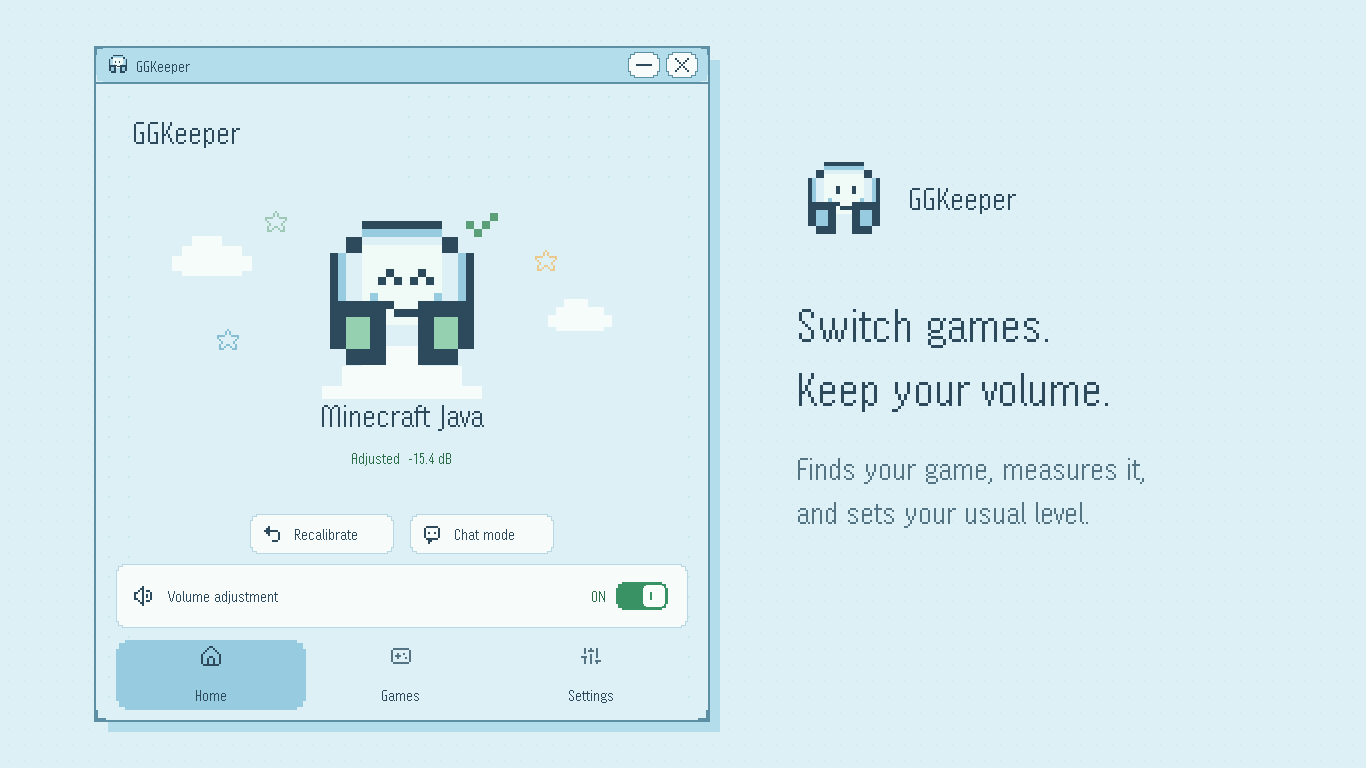
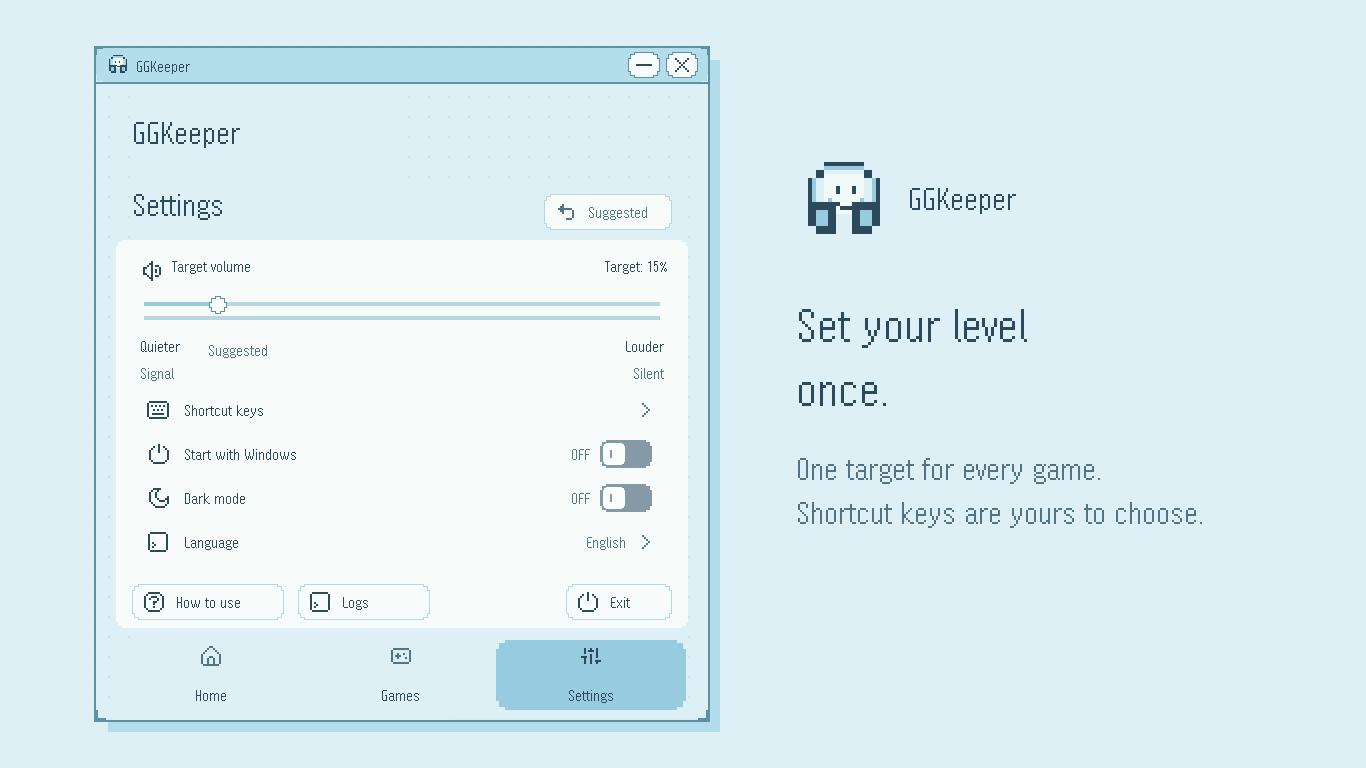
Every game has a different volume. GGKeeper fixes that for you: it notices when a game starts, begins a little quieter, measures how loud the game is, and turns it down to your usual level. Next time, it remembers.
What it does
- Finds games automatically. No setup per game.
- Adjusts only right after launch, then stays put. The game's own dynamics are untouched.
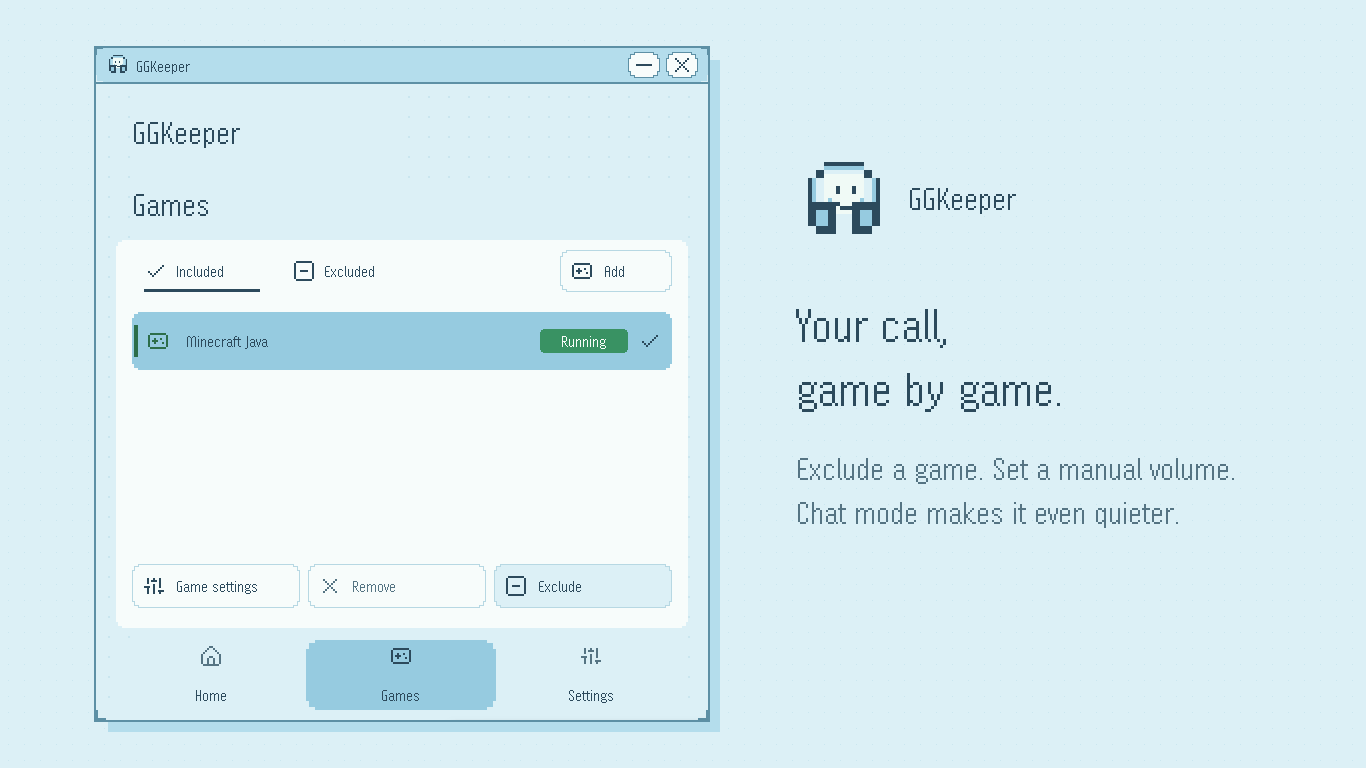
- Chat mode: one key makes the current game even quieter when you want to talk.
- Exclude games or set a manual volume, one by one.
What it doesn't do
- No injection. It doesn't touch game files or memory. It only moves that game's volume in the Windows volume mixer.
- No recording, no sending audio.
- It leaves the system volume, other apps and your microphone alone.
Get GGKeeper
- Microsoft Store: https://apps.microsoft.com/detail/9NQB35M0DHR9
- Website: https://yoruhinot.github.io/GGKeeper/en/
Free, for Windows 11 (64-bit). English and Japanese. The source is not published.
GGKeeper helps lower volume. It does not guarantee hearing protection.
Available on

Leave a comment
Log in with itch.io to leave a comment.